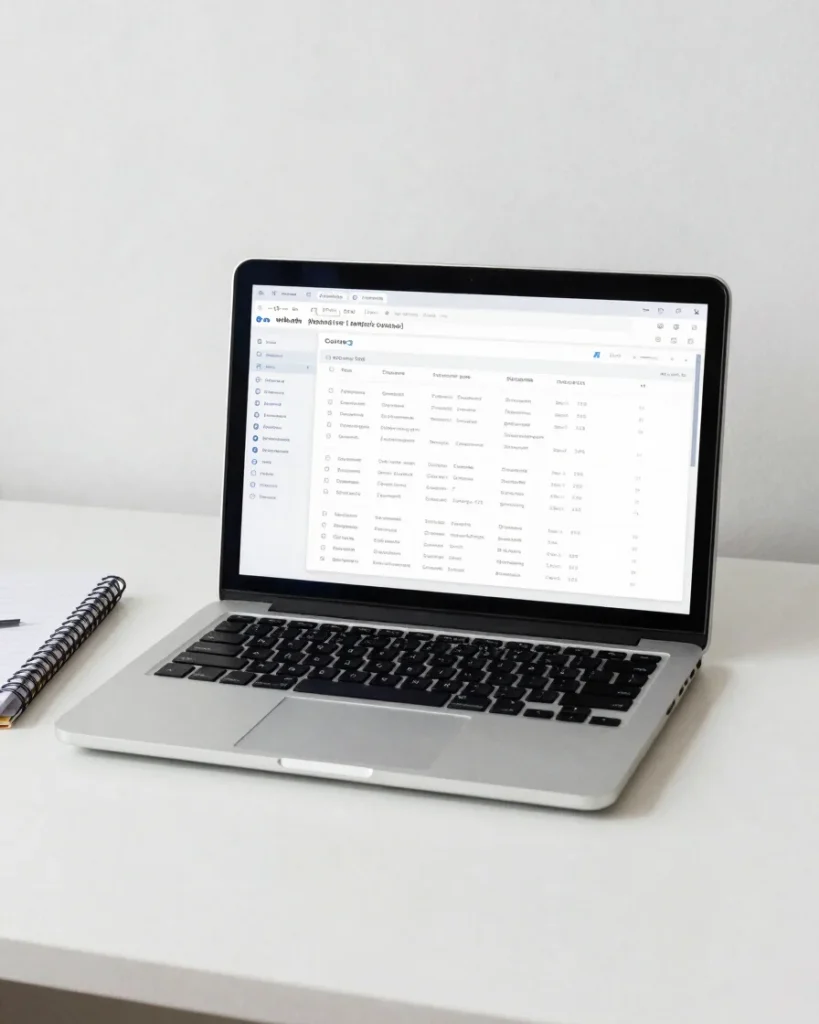
Students, instructors, and administrators each open a dedicated workspace. Sign in once to reach the tools your role needs, with progress, teaching, and platform controls kept separate.
Enrolled courses, resume learning, and progress tracking in one view. Quizzes, certificates, and orders stay together so each next step is clear.
Instructor dashboard
Create courses and lessons, follow student progress, manage assignments and questions, and review reports for each cohort.
Admin dashboard
Review and approve courses, manage users and instructors, track orders and sales, and maintain platform settings.
Integration notes
Dynamic data and role security
Each dashboard reads live course, enrollment, and order records rather than static placeholders. Access is limited by role, so students, instructors, and administrators see only the tools assigned to them.
Preview environments use clearly labeled demo content. Tutor LMS and WooCommerce features are verified before integration, and any capability that needs a paid license or external configuration is identified in the setup notes.